| Filename | Latest commit message | Latest commit date |
|---|---|---|
|
|
||
| .. | ||
| keymaps/default | ||
| rev1_002 | ||
| rev1_003 | ||
| config.h | ||
| info.json | ||
| post_rules.mk | ||
| readme.md | ||

Ploopyco Mouse
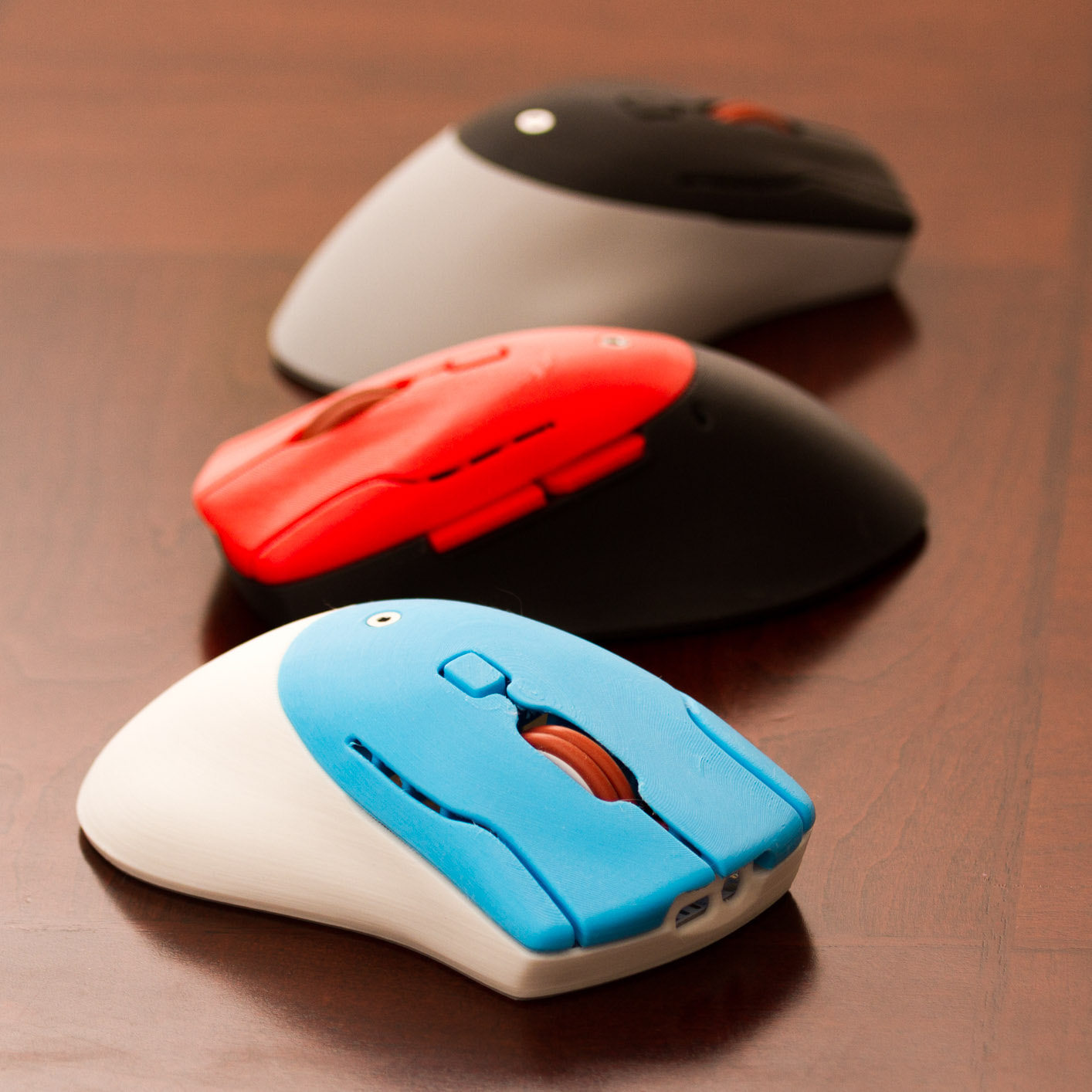
It's a DIY, QMK Powered Mouse!!!!
- Keyboard Maintainer: PloopyCo, Drashna Jael're, Germ
- Hardware Supported: ATMega32u4 8MHz(3.3v), Raspberry RP2040
- Hardware Availability: Store, GitHub
Make example for this keyboard (after setting up your build environment):
make ploopyco/mouse:default:flash
To jump to the bootloader, hold down "Button 4" (the "forward" button on the left side)
See the build environment setup and the make instructions for more information. Brand new to QMK? Start with our Complete Newbs Guide.
Customizing your PloopyCo Mouse
You can find customziation options here.